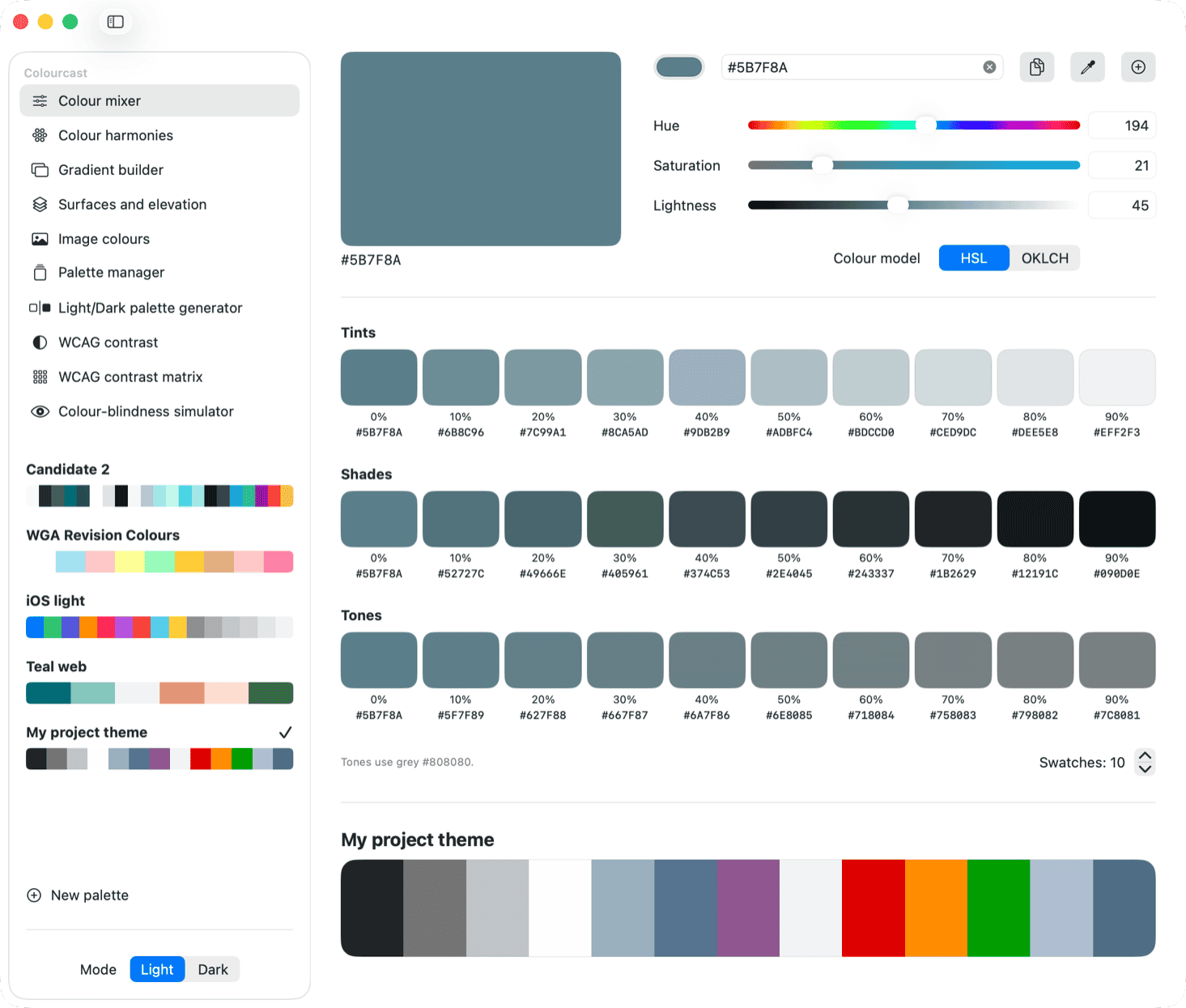
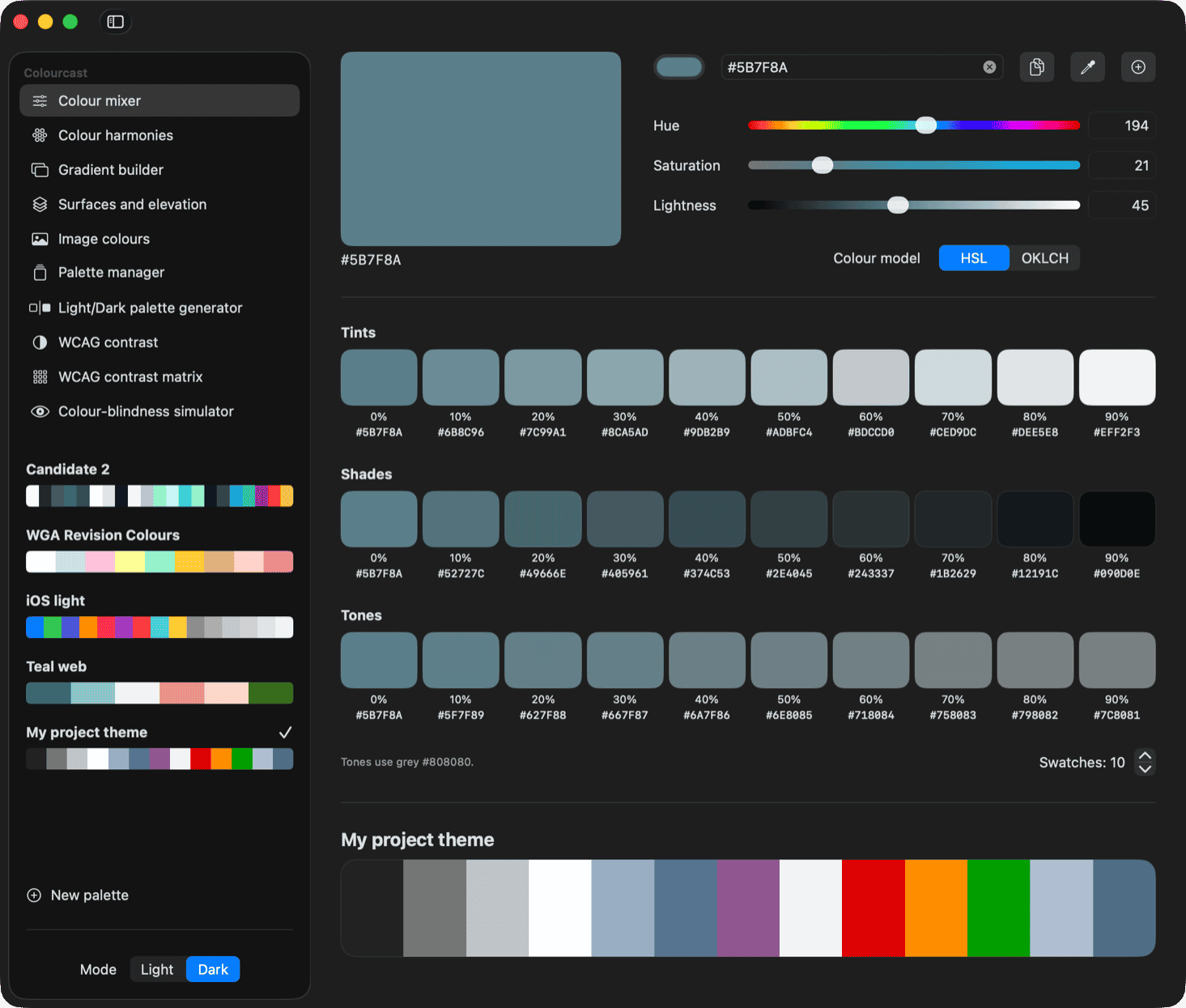
Effortlessly fine-tune individual colours, preview tints, shades and tones (ideal for creating hover states), manage your palettes and check accessibility compliance. All within a seamless workflow for web and mobile design.
LIGHT
DARK
⇄
LIGHT / DARK PALETTE GENERATOR
Light and Dark palette translation.
Our unique palette translation tool will instantly render a dark mode translation of your light palette – or the other way around. You can then tweak the generated colours if you wish. Save time and effort creating coordinated light and dark palettes.
Enter HEX, RGB, HSL, HSV or named colours with forgiving syntax. You can omit commas, brackets, get the spacing wrong, or the hash symbol. Colourcast will infer what you mean and set the colour for you.
THE TOOLKIT
Everything colour. In a single application.
Explore ten dedicated workspaces for colour mixing, palette generation, gradients and accessibility testing. Work comfortably in light or dark mode.
SEE IT IN MOTION
From inspiration to precision.
Two short demonstrations of Colourcast at work.
Mix. Refine. Verify.
Flexible colour inputs, mixing controls and accessibility compliance contrast checks. All under one roof.
Light into dark into light.
See our unique bidirectional mode palette generation in action. A painful process reduced to seconds.
YOUR NEXT COLOUR PROJECT STARTS HERE
Make room for more colour.
Ten powerful tools. Every variation of possibility.